

When you unbox your HomeView and set it up, you’ll have a curated selection of 14 apps available to you ( 15 if you consider Settings an app). Compared to the millions available on your iPhone, that’s not a lot, and there’s no app store for downloading more. Worse, if you’re not entirely all in on the Apple ecosystem—maybe you use Spotify or Audible—there’s isn’t a clear way to load your favorite third-party apps onto it. With no App Store, HomeView seems like it might be a very limited device.
But Apple has a rather clever solution. Rather than build yet another platform for developers to support and maintain, it is leveraging CarPlay to provide access to some third-party apps, directly from your iPhone, with no install required. But we haven’t seen what that looks like or how it works, and we have more questions than answers.
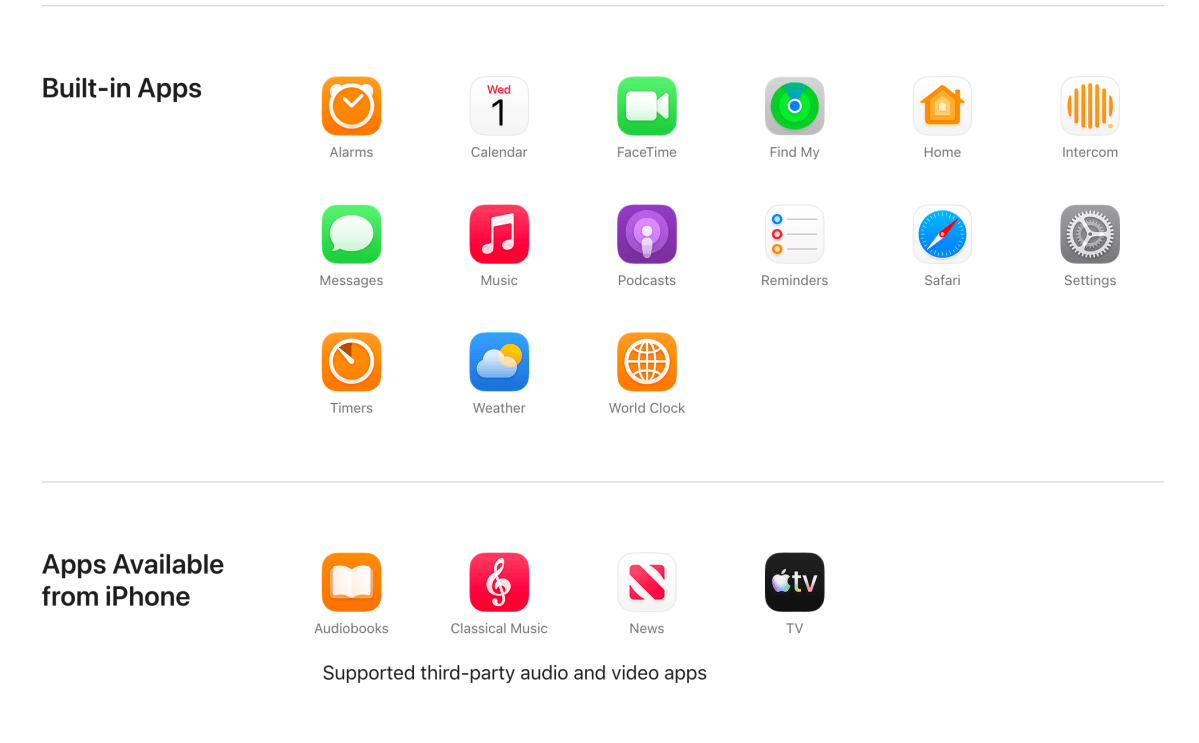
Apple’s tech specs page for the HomeView lists all the apps that it comes with, along with four additional Apple apps that are “Available from iPhone.”
Apple
Though it is not explicitly stated, it seems that the four apps available from your iPhone all operate via their CarPlay interface. (The giveaway is AudioBooks, which is Books on all other devices.) All those apps now have CarPlay support, mostly for audio experiences. For example, you can’t read e-books with Books or news articles with News, but you can listen to audiobooks or listen to news briefs.
What if you use Spotify for music or podcasts? Or Overcast? Or Audible for audiobooks? What if you want to watch a YouTube video or Netflix?
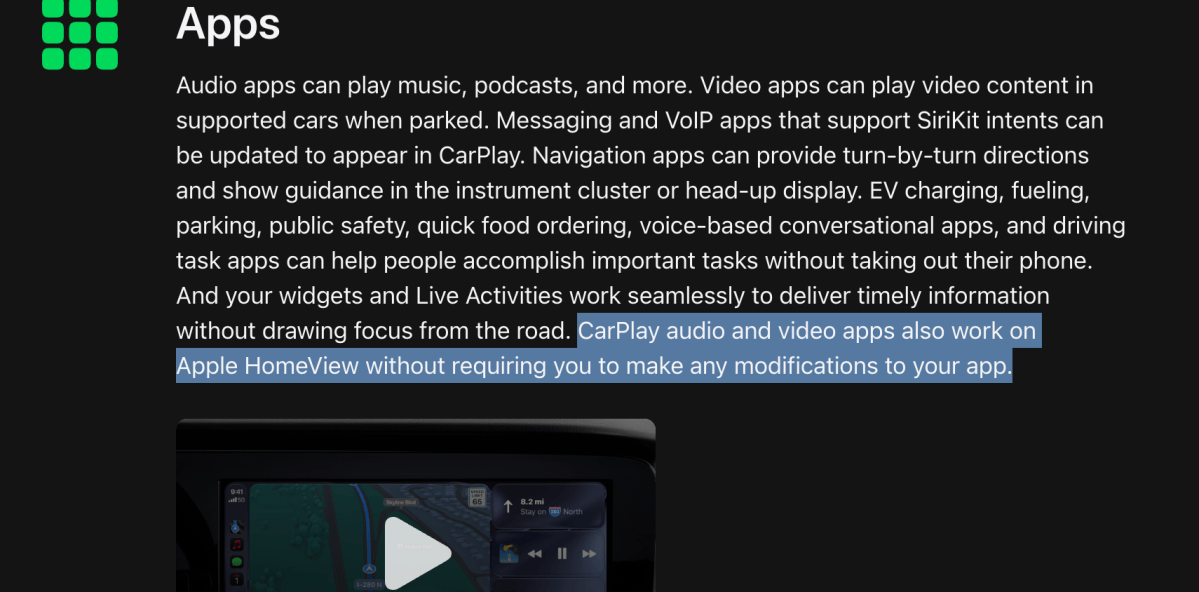
Apple has a solution for this, and it’s kind of clever. Existing audio and video apps that support CarPlay will automatically be available on HomeView, without the developer needing to do anything at all. If a developer doesn’t want their app to appear on Apple’s smart hub, they can disallow it using the disfavoredLocations function, but otherwise, all music, podcast, audiobook, and video apps that support CarPlay will work on your HomeView streaming from your iPhone just as they would if you were in a car.
Apple
Apple’s CarPlay developer site has already been updated to mention how CarPlay audio and video apps work with HomeView.
This is a great idea. The simplified CarPlay interface that apps use is more appropriate for this kind of device, which is meant for simple consumption and not for editing your next great playlist. And developers can support both cars and HomeView all at once in the apps they already publish to the App Store. If they already support CarPlay, they don’t even have to update their app.
Apple specifically mentions that audio and video apps with CarPlay support will be available on HomeView. That means you almost certainly won’t get access to Waze, Google Maps, WhatsApp, or Carrot Weather, and other navigation and utilities that have CarPlay experiences.
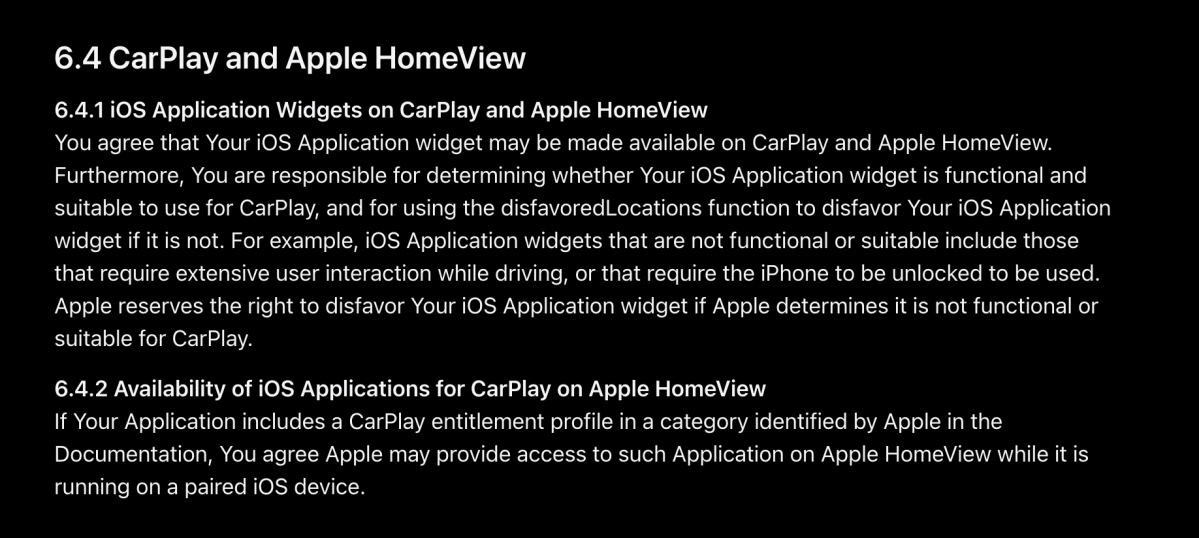
While you probably won’t be able to use those apps, you might be able to see their widgets on your HomeView home screen. Apple’s developer agreement section 6.4 covers CarPlay and HomeView. Section 6.4.1 specifically mentions CarPlay widgets being available on HomeView, without the caveat of it being in specific audio or video categories. Section 6.4.2 mentions entire CarPlay applications, and it does say “in a category identified by Apple,” so that’s probably those audio and video apps.
Apple
So HomeView should provide access to audio and video apps just as a car that supports CarPlay would—streaming directly from your iPhone, with all your playlists and preferences and such intact. And it might even show widgets for other CarPlay apps on the HomeView home screen. This all seems like a very good way to have a reasonable selection of third-party app support, right out of the box, without tasking developers to support a new platform, and in a way that easily deals with the multi-user aspect of HomeView.
When you’re recognized, HomeView will show your iPhone’s content, including your own CarPlay audio and video apps and such, with your own playlists and progress. When someone else is using it, they will see their own iPhone content, including their own CarPlay apps, playlists, etc.
Unfortunately, Apple didn’t really demonstrate how any of this actually works, either in its promo videos or in the live demos at its media experience. So we’re left wondering what this looks like, how fast it is, and what features are or are not there.
Foundry
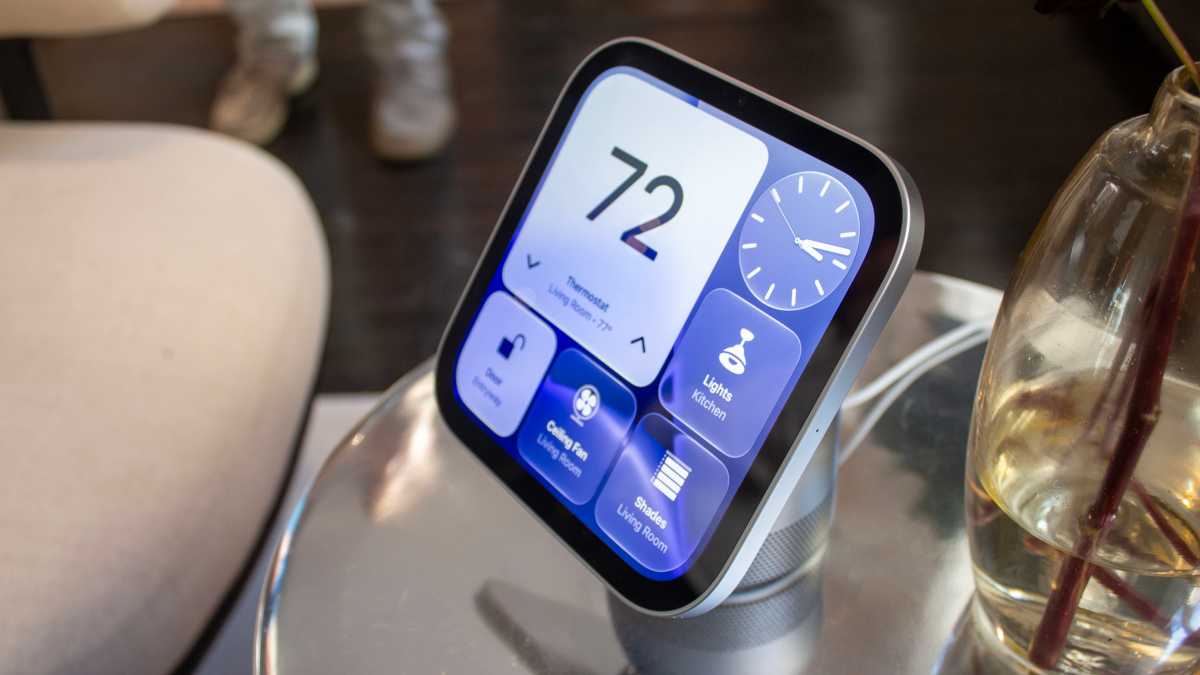
HomeView has a simple app drawer of sorts. Do the CarPlay-enabled audio and video apps from your iPhone just show up there? And when you tap on them, do you just get a CarPlay interface? Or do you access them some other way? And what about CarPlay widgets? Is that for all CarPlay apps, just audio and video apps, or just Apple apps?
What video apps are going to be available at launch? Apple only just added CarPlay support for video apps in iOS 27 (while your car is parked), but developers haven’t really rushed to support it other than Apple. Will YouTube, Hulu, Netflix, Disney+, or other popular streaming services update their apps to support CarPlay now that they have an even bigger incentive to?
And what exactly qualifies as an audio or video app? For example, the MLB app is obviously a sports app, but its CarPlay experience is centered around listening to games and viewing scores. Will you get native support for an app like that, or do you have to use it on your iPhone and then AirPlay the audio stream to the HomeView?
The fallback scenario for all of these things is to either start content on your iPhone and then send it to your HomeView with AirPlay, or to use the Safari browser to log in to the service on the web. But those are impractical and limited options. Some streaming apps, most notably Netflix, don’t even support AirPlay, and there are plenty of services that don’t have a decent web experience (or any at all).
With almost a month to go before the HomeView hits store shelves, we will hopefully get to see a clear demonstration of how this CarPlay integration with third-party apps really works. But from what we already know, it’s a very smart system.


