
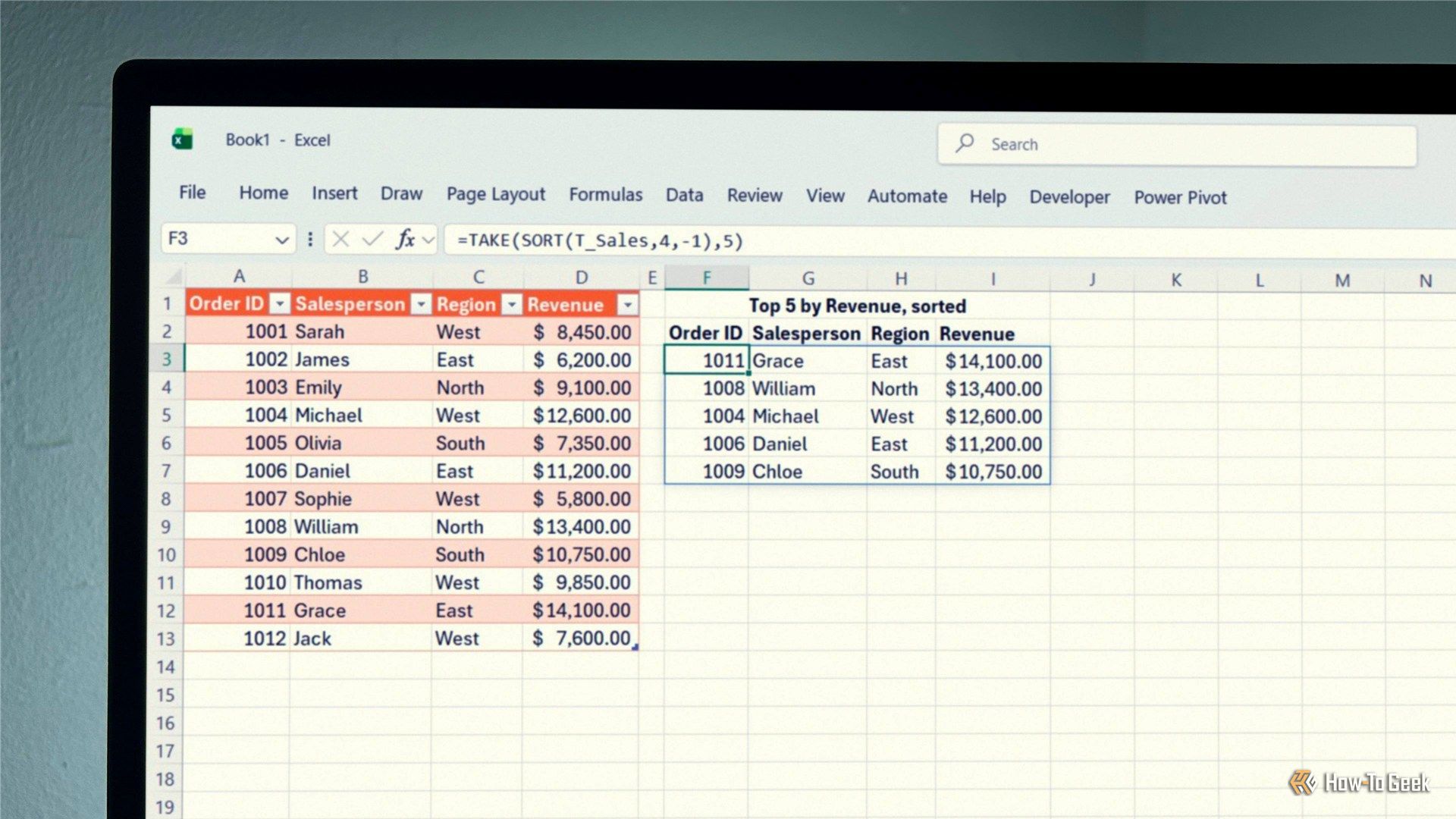
Some of Excel's most useful functions are also its simplest. SORT is a good example: with a single argument, you can alphabetize a list, and with a couple more, you can sort an entire dataset. Better still, the results update automatically when the data in your source range changes, so you don't have to repeat the process every time a number or name changes.


